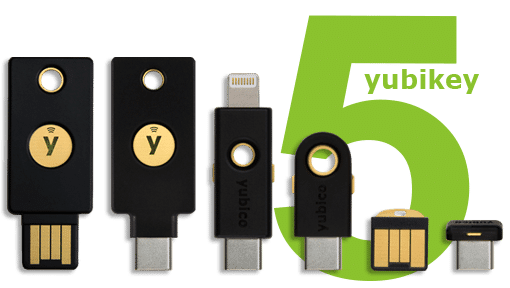
Yubikey hardware token
Requirements:
- A Yubikey device - Talk to Support
- Yubico Authenticator application - Download
STEP 1: Installing
Windows
Download and install yubioath-desktop-5.1.0-win64.msi
Mac
Search for and install the Yubico Authenticator in the MacOS AppStore
Or install it manually from yubioath-desktop-5.1.0-mac.pkg
Linux (Debian/Ubuntu)
apt install yubioath-desktop
Start yubioath-desktop
STEP 2: Add a Yubikey as a MFA to your Umu-id account
Run the Yubico Authenticor application and connect your Yubikey usb-dongle to your computer. Login to https://aka.ms/mfasetup with your umu-id@ad.umu.se account and add an additional device, let the Yubico Authenticator scan the QR-code
» Detailed instructions for Windows + Linux
» Detailed instructions for MacOS